 Mullion
Settings
Panel-wide options: the domain suffix, where terminals open, the backup folder, diagnostics, and starting at login.
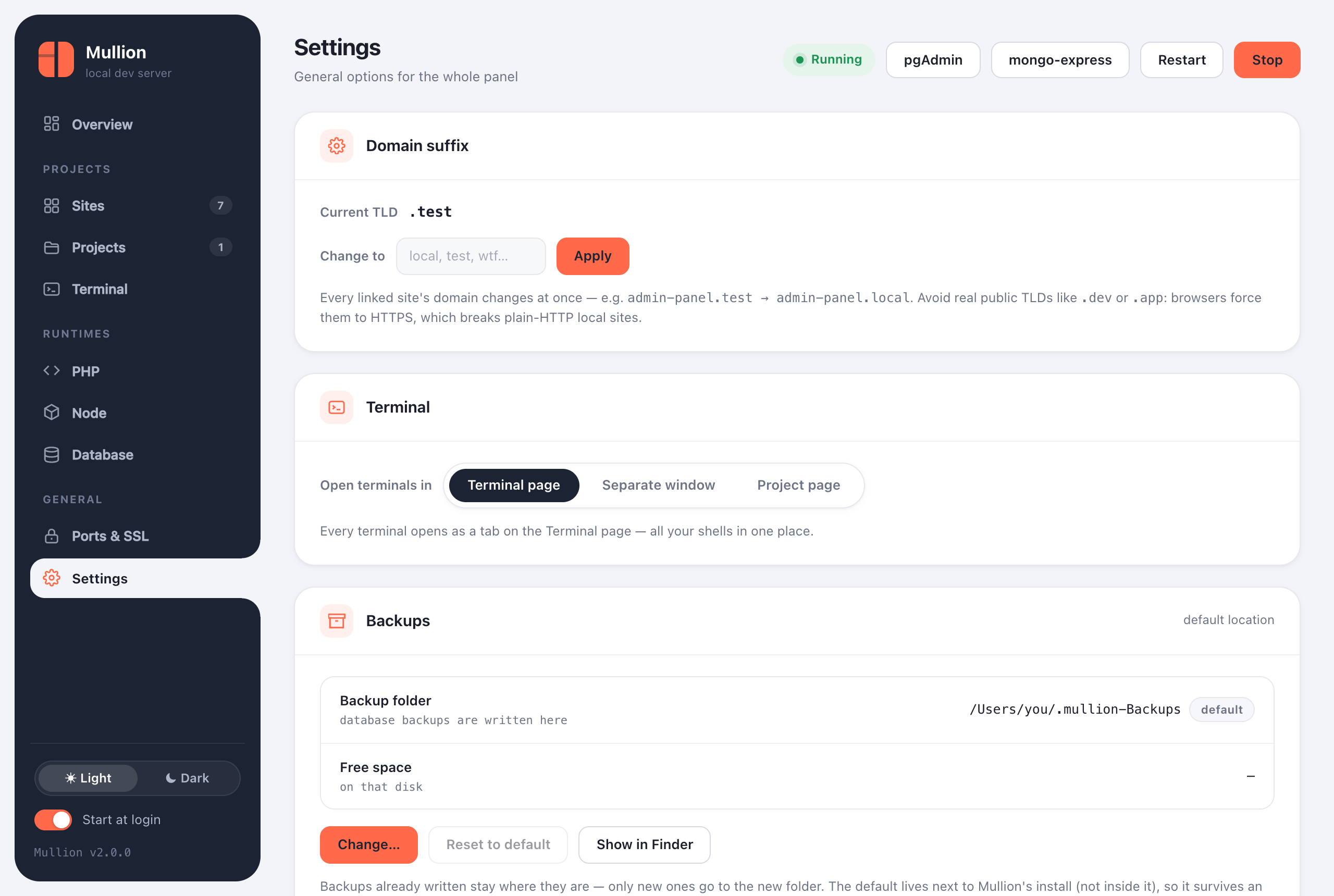
Domain suffix
Changes the TLD for every site at once, for example shop.test → shop.local. This is the same as mullion tld local. Avoid public TLDs such as .dev or .app.
Terminal
Choose where new terminals open:
- Terminal page: every shell is a tab in one place.
- Separate window: a native macOS window in Mullion.app, or an app window on Windows.
- Project page: the terminal opens in the project's Terminal tab.
Backups
Shows the backup folder and the free space on that disk. Change… picks another folder, Reset to default goes back, and Show in Finder/Explorer opens it. The folder is used by Back up now, the backup commands, version switches and uninstalls.
Diagnostics
Runs mullion doctor and shows the full report in the panel. Use it to paste into a bug report.
Start at login
The Start at login switch at the bottom of the sidebar is the same as mullion autostart on|off. On Windows, sign-in starts the tray icon (mullion tray), which starts the services.
Theme
The Light / Dark switch at the bottom of the sidebar changes the theme. Like all panel preferences, it's stored in config.json under ui.